


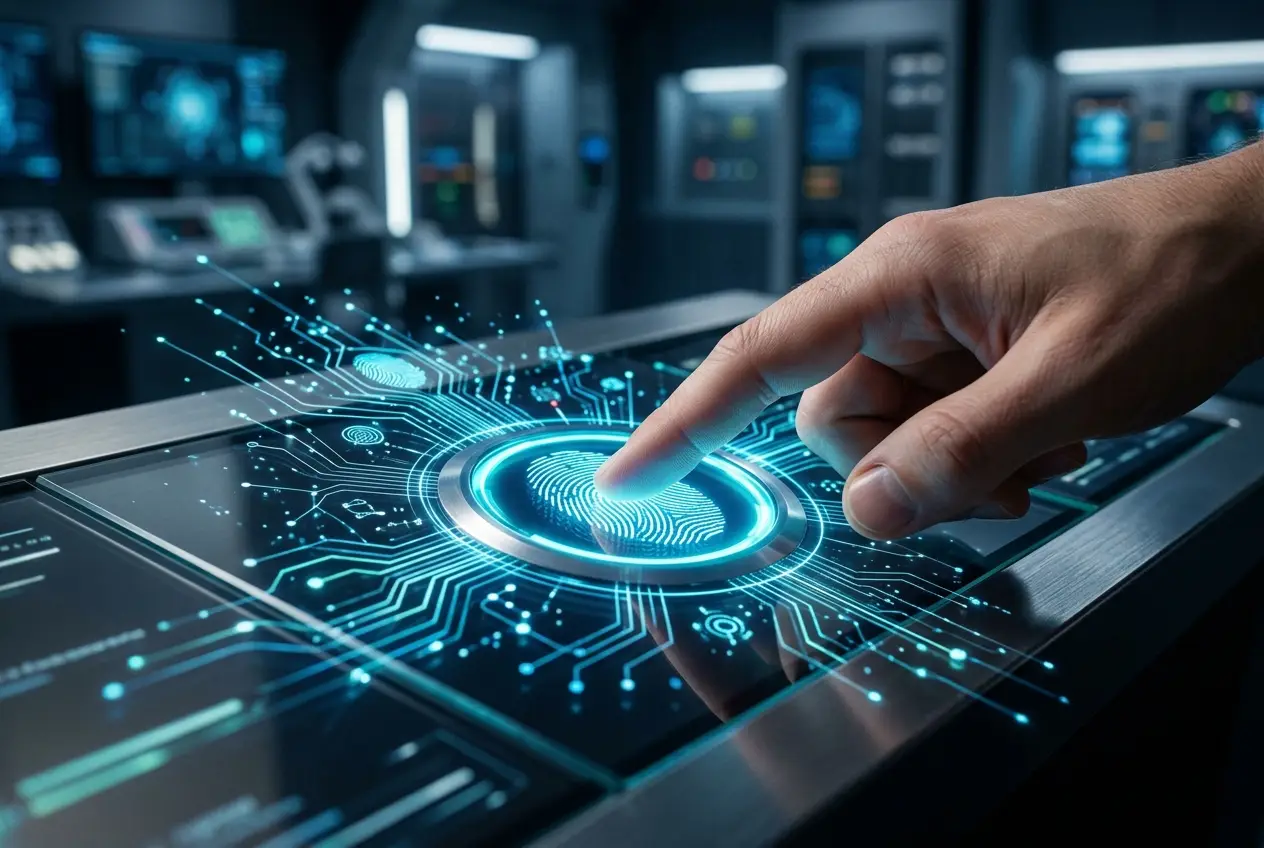
I remember the first time I unlocked my phone with just a touch. It felt like something out of a spy movie, a seamless blend of technology and intuition. Gone were the days of frantically typing in passcodes or drawing intricate patterns. This simple act, repeated countless times daily, has become so ingrained that we rarely pause to wonder: how does it actually work? Does your phone genuinely "see" your fingerprint, or is there a more sophisticated, invisible process at play?
For years, I've used fingerprint scanners on everything from my smartphone to my laptop, taking their almost magical convenience for granted. But recently, I started digging into the underlying technology, and what I found was a fascinating journey into the world of biometrics, electricity, and even sound waves. It’s far more complex and ingenious than just a tiny camera taking a picture of your finger.
The Invisible Science Behind Your Touch
At its core, a fingerprint scanner is an advanced sensor designed to uniquely identify the intricate patterns on your fingertip. These patterns—ridges, valleys, and minutiae points—are unique to every individual. The magic isn't in seeing, but in sensing these subtle differences, translating them into digital data, and then comparing them against a stored record. It's a high-stakes matching game happening in milliseconds.
There are primarily three main types of fingerprint scanning technologies commonly found in our daily devices, each employing a distinct scientific principle to achieve the same goal:
- Optical Scanners: The oldest and most straightforward.
- Capacitive Scanners: The most common in modern smartphones.
- Ultrasonic Scanners: The cutting-edge technology found in premium devices.
Let's dive into how each of these silent guardians protects your digital life.
1. Optical Scanners: The Light-Based Reader
Imagine a tiny, specialized camera that takes a very detailed photograph of your finger. That's essentially an optical scanner. When you place your finger on the scanner's surface, a bright light (often an LED) illuminates your fingertip. A sensor, typically a Charge-Coupled Device (CCD) or a Complementary Metal-Oxide-Semiconductor (CMOS) sensor, captures the reflected light.
How it "sees":
- Ridges: These parts of your finger are in direct contact with the scanner surface and reflect more light.
- Valleys: These are the depressed areas, creating air gaps between your finger and the sensor, which scatter less light and appear darker.
The sensor then creates a digital image based on these light and dark patterns. This image is then processed, and unique features (minutiae) are extracted to create a template. Real-life connection: You'll often find these in older laptops, time clocks, or standalone security systems. The biggest drawback? They can be fooled by high-resolution images of fingerprints, making them less secure for sensitive applications like phone unlocking. This is why you rarely see them in flagship smartphones anymore.
2. Capacitive Scanners: The Electrical Touch
This is the workhorse of most modern smartphones, whether under the screen or on a side button. Unlike optical scanners, capacitive scanners don't rely on light. Instead, they use electrical capacitance to map your fingerprint. Think of it like this: your body holds an electrical charge, and when you touch something, you create a tiny electrical circuit.
The underlying mechanism:
- A capacitive scanner consists of an array of tiny electrical circuits or plates.
- When a finger touches the sensor, the ridges of your fingerprint make direct contact with these plates, changing the capacitance (the ability to store an electrical charge) in those specific points.
- The valleys, being air gaps, create a different, smaller change in capacitance.
The scanner measures these capacitance variations across its surface, creating a "map" of your fingerprint's ridges and valleys. This electrical map is then converted into a digital template. Real-life connection: If your phone unlocks instantly with a light tap on the screen or a side button, you're likely using a capacitive scanner. They are more secure than optical scanners because they require actual skin contact and the electrical properties of a living finger. This makes them much harder to trick with a printed image. You can learn more about how touchscreens, which also rely on capacitance, sense your finger by checking out our blog on how touchscreens really sense your finger.
3. Ultrasonic Scanners: The Sound Wave Detectives
The most advanced and arguably most secure of the three, ultrasonic scanners, found in many high-end smartphones, use sound waves to create a 3D map of your fingerprint. I find this one particularly mind-blowing, like something out of a sci-fi novel.
How they "hear" your print:
- When you place your finger on an ultrasonic scanner (often integrated directly into the display), the scanner emits a pulse of ultrasonic sound waves.
- These sound waves travel through the glass of the screen and bounce off your finger.
- The ridges, valleys, and even the subtle details beneath the surface of your skin reflect these sound waves back differently.
A receiver in the scanner detects these reflected sound waves. The variations in the time it takes for the sound to return, and the intensity of the return signal, allow the scanner to construct an incredibly detailed, three-dimensional image of your unique fingerprint. Real-life connection: Ultrasonic scanners offer superior security because they can detect details below the skin's surface, making them exceptionally difficult to spoof. They also perform better with wet or greasy fingers compared to capacitive sensors. This robust security is crucial for devices handling sensitive data, similar to the advanced security discussed in our article about quantum biometrics.
The Enrollment and Verification Process
Regardless of the technology used, the journey from your finger to an unlocked device follows a similar path:
Enrollment: Teaching Your Phone Your Secret
When you first set up your fingerprint, you're essentially "teaching" the scanner what your unique patterns look like. You'll typically press your finger multiple times at different angles. Why? Because the scanner isn't storing a picture; it's creating a mathematical template or a "map" of your fingerprint's key features (like where ridges split or end – these are called minutiae points). This template is then encrypted and securely stored on your device. It’s not your actual fingerprint image, but a unique digital representation of it. This process is crucial for establishing a secure baseline, much like how your smartphone establishes a secure connection to a 5G network, as detailed in how your phone gets 5G.
Verification: The Daily Authentication
Every time you try to unlock your device, the scanner performs a live scan of your finger. This live data is then immediately compared against the stored, encrypted template. The system looks for a sufficient number of matching minutiae points and overall pattern similarity. If enough points match (the threshold varies by manufacturer and security level), access is granted. If not, access is denied. This entire process happens so quickly that it's often imperceptible to the user.
Why Do Cheap Fingerprint Scanners Sometimes Fail?
Have you ever used a fingerprint scanner that just seems to hate your finger? This is a common real-life frustration. The accuracy and reliability of a fingerprint scanner depend heavily on:
- Sensor Quality: Higher quality sensors have more detailed arrays (capacitive) or emit/receive more precise waves (ultrasonic), leading to better data capture.
- Processing Power: The algorithms that process the raw sensor data and compare it to the stored template need efficient processing power to be fast and accurate.
- Environmental Factors: Dirt, moisture, or even minor cuts on your finger can interfere with the sensor's ability to get a clear reading. Optical scanners are particularly susceptible to this.
- Software Optimization: How well the software interprets the sensor's input and handles variations (e.g., a slightly misaligned finger) plays a huge role.
A cheaper device might use a lower-resolution optical sensor or have less sophisticated algorithms, leading to more "false negatives" (it doesn't recognize your print even when it's you). Conversely, an old or less-optimized scanner might be slow, making the "unlock" experience frustratingly sluggish.
The Future of Biometric Security
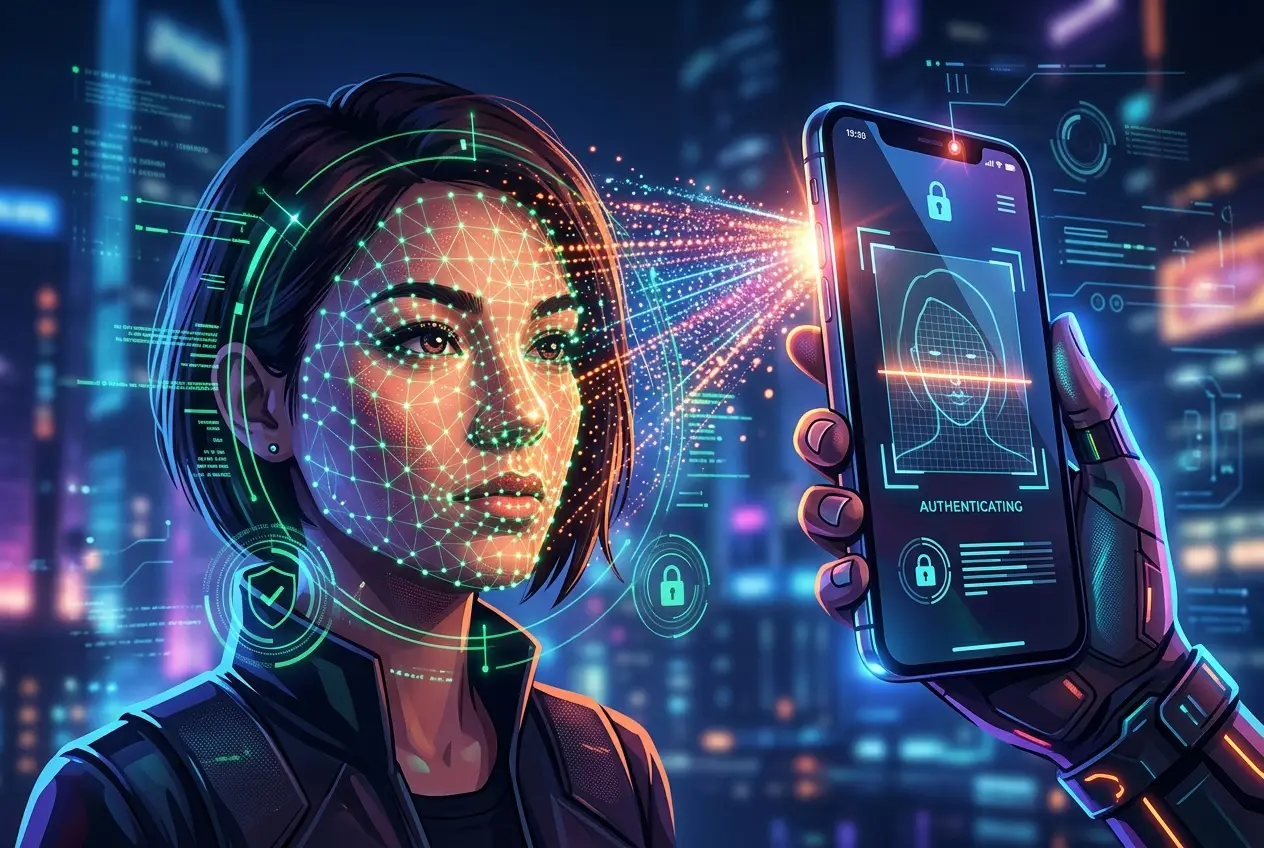
As our digital lives become more interconnected, the need for robust and convenient security solutions continues to grow. Fingerprint scanning technology isn't just a party trick; it's a critical component of modern cybersecurity. Researchers are constantly refining these technologies, exploring even more secure and reliable methods, including multi-modal biometrics (combining fingerprint with facial recognition, for example) and even behavioral biometrics that analyze how you interact with your device.
The next time you effortlessly unlock your phone with a touch, take a moment to appreciate the complex dance of light, electricity, or sound waves working in harmony to keep your digital world secure. It’s a testament to how far we’ve come in making sophisticated technology feel utterly intuitive.



Conversation0
No comments yet. Be the first to share a thought — the best questions often become new stories.